


Webflow vs Wix
Webflow gives designers pixel-level control and exportable code across separate Site, Ecommerce, and Workspace plans, while Wix bundles hosting, marketing, and store tools into one AI-assisted plan built for fast, no-code launches — the right fit depends on how much design control you need versus how fast you want to launch.
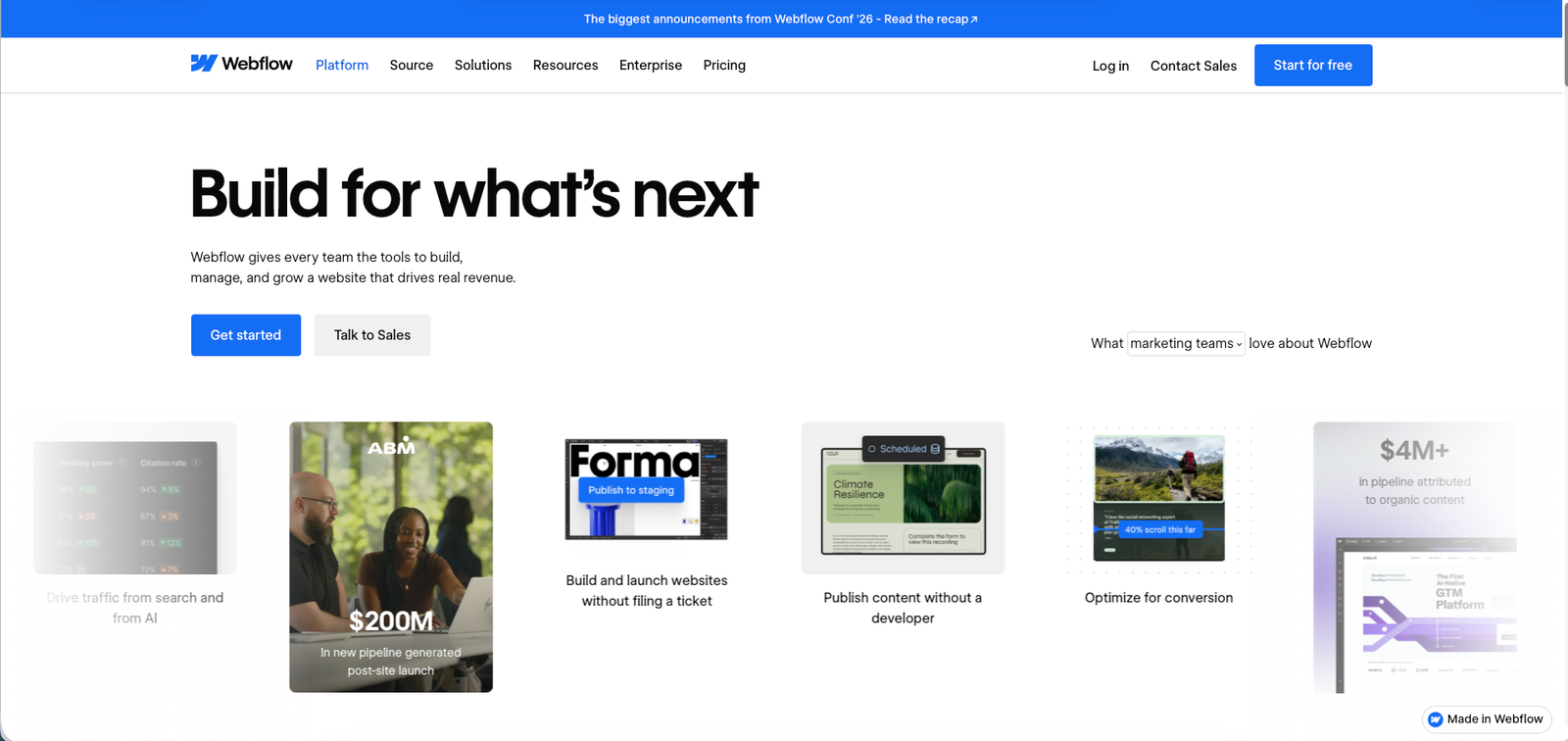
Webflow homepage, Jul 2026
Webflow is a visual web design platform combining a pixel-level design canvas with a built-in CMS and hosting, built for designers, developers, and agencies who want full creative control.
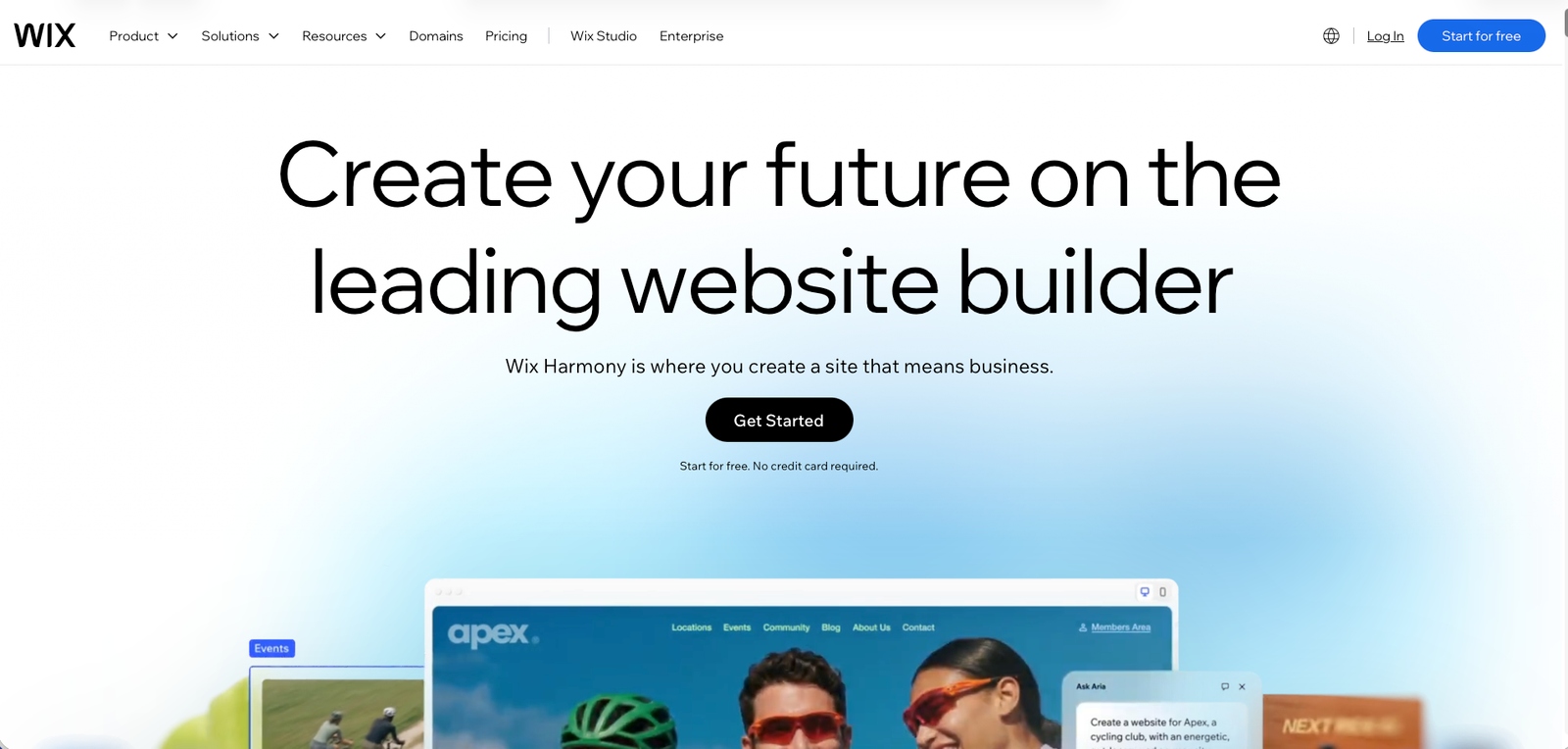
Wix homepage, Jul 2026
Wix is an all-in-one website builder combining AI-assisted site generation, templates, and built-in business tools, built for small businesses and solopreneurs who want to launch quickly without coding.
At a glance
| Webflow | Wix | |
|---|---|---|
| Starting price | $15/mo (Basic site plan, billed yearly) | $17.77/mo (Light plan, billed yearly) |
| Free plan | Yes — Starter plan on a webflow.io subdomain, limited pages/bandwidth | Yes — Free plan on a Wix subdomain, includes Wix ads |
| Best for | Designers and agencies wanting pixel-level control and clean, exportable code | Small businesses and solopreneurs wanting a fast, all-in-one launch without a learning curve |
| Full review | Not yet published on Alivoi | Not yet published on Alivoi |
Where they actually differ
Design Control vs. Guided Simplicity
The most consistently cited split between the two across independent reviews.
Webflow
Pixel-level control over layout, spacing, and responsive breakpoints, outputting clean semantic code — but it comes with a real learning curve around box-model and class-based styling concepts.
Wix
True drag-and-drop editing plus AI-assisted generation (Wix ADI / Aria) that can produce a working first draft in well under an hour, with a much shallower learning curve.
E-commerce & Transaction Fees
Both sell products; the fee structure and scaling path differ.
Webflow
Ecommerce is a separate plan tier: Standard ($29/mo, 500 items, 2% transaction fee) up to Advanced ($212/mo, 15,000 items, 0% fee once on Plus or higher).
Wix
Ecommerce is bundled into the Core plan and above with no Wix-side transaction fee, though the payment processor's own fee (commonly around 2.3% + $0.30) still applies regardless of platform.
Pricing Structure
One plan model bundles everything; the other separates by function.
Webflow
Site plans (hosting + CMS), Ecommerce plans, and Workspace plans (team collaboration, staging sites) are priced and purchased separately, so a full production setup often means stacking more than one subscription.
Wix
A single plan per site bundles hosting, ecommerce, marketing tools, and collaborator seats (up to 100 on Business Elite), with no separate workspace subscription required.
App & Integration Ecosystem
Different approaches to extending the platform beyond what ships natively.
Webflow
Roughly 150+ third-party integrations plus native custom code and API access, favoring developers who want to build their own extensions rather than install pre-made apps.
Wix
An App Market of 800+ add-ons covering bookings, marketing, and store features that install with little to no technical setup.
Pricing
Webflow
Site plans above are billed yearly. Ecommerce runs as separate plans from $29/mo (500 items) to $212/mo (15,000 items). Team collaboration requires a separate Workspace plan ($19–$49/mo), and org-wide features sit on a $2,500/mo Team plan or custom Enterprise pricing.
Wix
Prices shown are for yearly billing paid upfront. Each plan bundles hosting, storage, and (from Core up) ecommerce and marketing tools into one subscription. All premium plans include a 14-day money-back guarantee.
Which one fits you
Choose Webflow if…
- You want pixel-level design control and clean, exportable code
- Your team includes a designer or developer comfortable with class-based styling
- You're building a CMS-driven site with custom content structures
- You're fine managing separate Site, Ecommerce, and Workspace subscriptions as needs grow
Choose Wix if…
- You want to launch a professional-looking site fast without a learning curve
- You want hosting, ecommerce, email marketing, and CRM bundled into one plan
- You're a small business or solopreneur without a dedicated designer or developer
- You want AI-assisted site generation to get a first draft quickly
What people say
Webflow
G2: 4.4/5 (995 reviews)
Reviewers frequently praise design flexibility and code quality, alongside recurring notes about the learning curve for non-designers and pricing that climbs with CMS and ecommerce needs.
Wix
G2: 4.2/5 (1,889 reviews)
Reviewers highlight ease of use and the breadth of built-in business tools, alongside some notes about design flexibility feeling more limited as sites grow more complex.
Ratings and review counts accessed Jul 22, 2026 via G2.
FAQ
Is Webflow or Wix easier for beginners?
Wix is built around a shallow learning curve, drag-and-drop editing, and AI-assisted generation that can produce a working site in under an hour. Webflow asks for more upfront understanding of layout and styling concepts, which rewards that investment with more precise design control.
Which is cheaper to start with?
Webflow's Basic plan starts at $15/month versus Wix's Light plan at $17.77/month, both billed yearly. But Webflow's ecommerce, CMS depth, and team collaboration often require separate add-on plans, while Wix bundles marketing, CRM, and ecommerce features into each single plan.
Which one handles ecommerce better?
Webflow charges a 2% transaction fee on its entry Ecommerce plan, dropping to 0% from the $74/month Plus tier up, with item limits rising from 500 to 15,000. Wix charges no platform-side transaction fee (payment processor fees still apply, commonly around 2.3% + $0.30) and is generally cited as supporting a higher product ceiling.
Can I export my Webflow or Wix site's code?
Webflow allows exporting clean HTML, CSS, and JavaScript for hosting elsewhere. Wix does not offer code export — sites stay hosted on Wix's own platform.
Which has more third-party apps or integrations?
Wix's App Market lists 800+ add-ons for bookings, marketing, and stores. Webflow cites roughly 150+ integrations, leaning more on native custom code and API access for teams that want to build their own extensions.
Sources
- Webflow — official homepage, webflow.com, accessed Jul 22, 2026
- Webflow — official pricing page, webflow.com/pricing, accessed Jul 22, 2026
- Wix — official homepage, wix.com, accessed Jul 22, 2026
- Wix — official plans page, wix.com/plans, accessed Jul 22, 2026
- Zapier — "Webflow vs. Wix: Which website builder is best?," zapier.com, accessed Jul 22, 2026
- ecomm.design — "Webflow vs Wix vs Squarespace," ecomm.design, accessed Jul 22, 2026
- G2 — Webflow reviews, g2.com, accessed Jul 22, 2026
- G2 — Wix reviews, g2.com, accessed Jul 22, 2026