


SurveyMonkey vs Typeform
SurveyMonkey centers its workflow on survey research, response analysis and structured reporting, while Typeform puts interactive form design, branding and respondent experience closer to the center. The fit depends on whether your project starts with research depth or with the experience people have while answering.
Meet the two tools
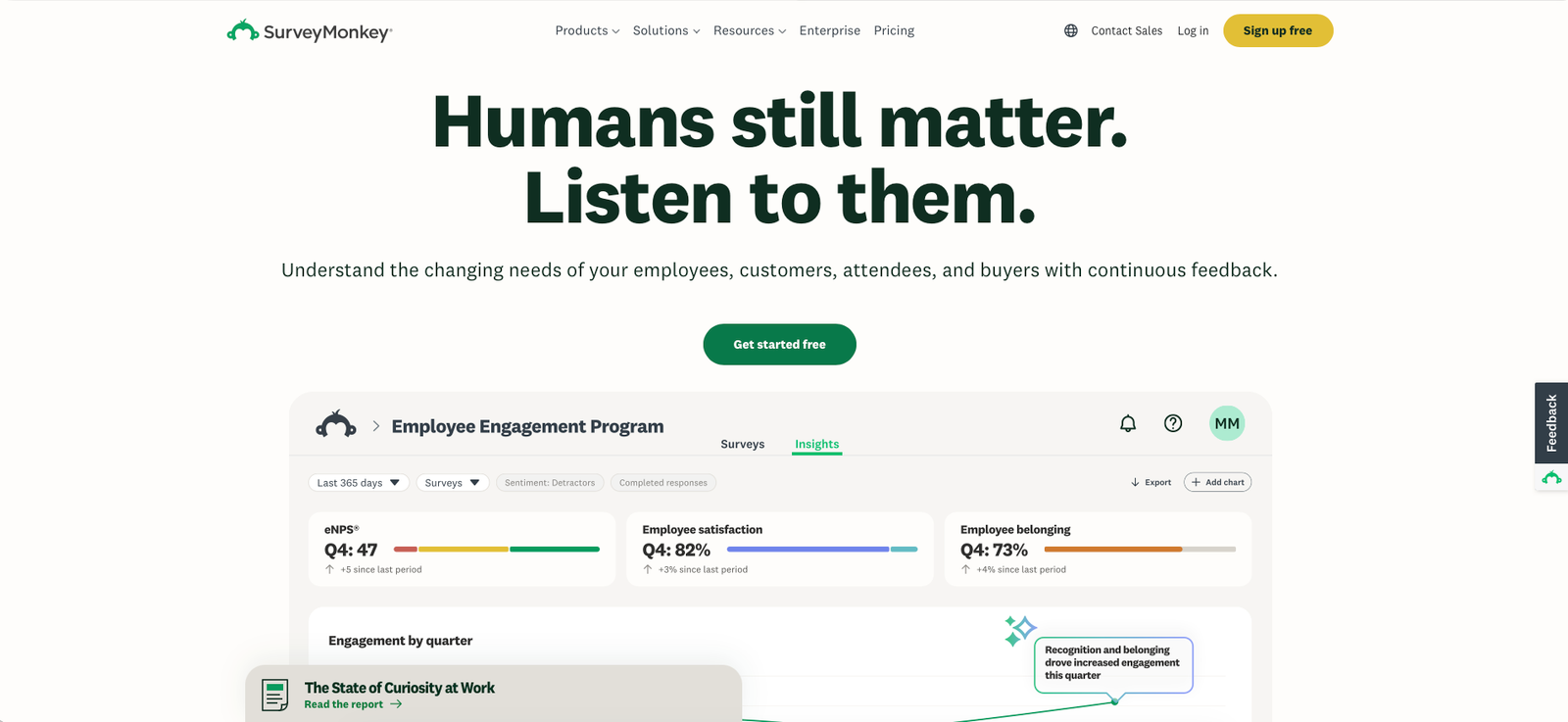
SurveyMonkey homepage, 01/08/2026
SurveyMonkey is a survey and forms platform spanning questionnaires, quizzes, AI-assisted creation, survey logic, response collection, data exports, analysis, reporting, audience research and team collaboration.
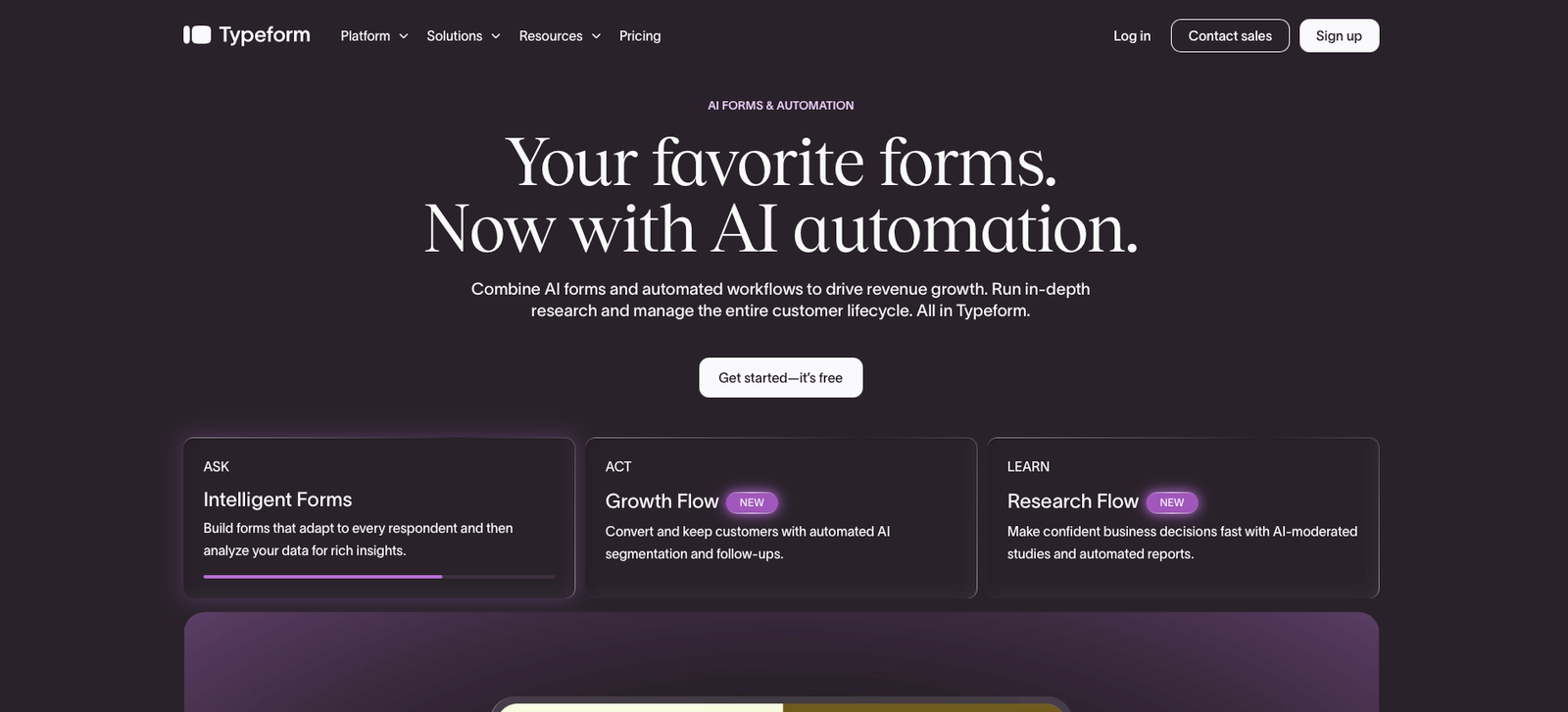
Typeform homepage, 01/08/2026
Typeform is an interactive form platform combining conversational forms, conditional logic, AI-assisted creation, rich media responses, branding, integrations and analytics with lead-capture and automation workflows.
At a glance
| SurveyMonkey | Typeform | |
|---|---|---|
| Starting price | Free; Advantage Annual $39/mo billed annually | Free; Basic $39/mo monthly or $28/mo billed annually |
| Free plan | Yes — unlimited surveys with limits including 10 questions per survey and restricted response access | Yes — unlimited forms with limits on responses and paid features |
| Best for | Survey programs where logic, structured analysis, exports, research and reporting matter throughout the project | Forms, surveys and lead-capture experiences where presentation, interaction and respondent flow are central |
| Paid-plan model | Individual, team and enterprise plans with different response allowances and analysis capabilities | Response-based plans with increasing seats, branding, analytics and workflow capabilities |
| Full review | Not yet published on Alivoi | Not yet published on Alivoi |
Where they actually differ
Survey Depth & Research Tools
Both platforms can collect structured feedback, but their surrounding research workflows take different shapes.
SurveyMonkey
SurveyMonkey extends survey building into research and analysis with features that vary by plan, including skip and advanced logic, statistical significance, thematic analysis, multi-survey analysis, crosstabs, multilingual surveys and access to SurveyMonkey Audience for purchasing targeted responses.
Typeform
Typeform supports conditional logic and AI-assisted follow-up questions while placing more emphasis on the interaction itself. Its current analytics layer includes response summaries, drop-off analysis, topic detection, sentiment analysis and AI-assisted interpretation of collected answers.
Form Experience & Branding
The respondent-facing experience is one of the clearest differences between the two products.
SurveyMonkey
SurveyMonkey supports custom survey design, themes and branding controls, with additional customization appearing as plans increase. Its interface is designed to support questionnaires ranging from straightforward feedback forms to longer research surveys where several questions, pages and logic paths may be involved.
Typeform
Typeform is built around an interactive question-by-question experience with flexible layouts, images, video and customizable visual elements. Plus adds removal of Typeform branding and a custom subdomain, while brand kits can standardize logos, fonts, colors and themes across a team's forms.
Analysis & Reporting
Both products now use AI in analysis, but the surrounding reporting tools reflect their different product histories.
SurveyMonkey
Paid SurveyMonkey plans add exports and increasingly detailed analysis. Advantage includes statistical significance, multi-survey analysis, Analyze with AI and Thematic Analysis, while Premier adds capabilities such as crosstabs. This structure suits projects where survey results need to move into formal analysis or stakeholder reporting.
Typeform
Typeform focuses analysis on what respondents submitted and how they moved through the form. Current tools include results dashboards, completion and drop-off data, sentiment analysis, topic detection, respondent comparison and AI-assisted insights, with Business adding drop-off rates and conversion tracking.
Pricing & Response Limits
Headline monthly prices overlap in places, but the allowances and billing structures behind them differ substantially.
SurveyMonkey
SurveyMonkey offers a free Basic plan. Individual paid options currently include Standard Monthly at $129 per month, Advantage Annual at $39 per month with $468 billed annually, and Premier Annual at $139 per month with $1,668 billed annually. Response allowances and analysis features change by tier.
Typeform
Typeform's current main pricing page lists Basic at $39 monthly, Plus at $79 and Business at $129. Annual billing reduces the displayed monthly equivalents to $28, $56 and $91. Basic includes 100 responses per month, Plus 1,000 and Business 10,000. Typeform is actively experimenting with pricing, so some visitors or accounts may see different offers.
Pricing
SurveyMonkey
Advantage Annual is $468 billed annually and Premier Annual is $1,668 billed annually. Standard Monthly is billed monthly. SurveyMonkey also offers team plans, while additional responses above paid-plan allowances can generate overage charges.
Typeform
Monthly prices above are from Typeform's current main pricing page. With annual billing, Basic is displayed at $28 per month, Plus at $56 and Business at $91. Included monthly responses are currently 100, 1,000 and 10,000 respectively. Typeform states that it is experimenting with pricing, so a different account or pricing-page variant may display another offer.
Which one fits you
Choose SurveyMonkey if…
- Your workflow starts with structured surveys and continues into detailed analysis and reporting
- You need capabilities such as statistical significance, multi-survey analysis, crosstabs or advanced survey logic as your research expands
- You expect to purchase responses from a targeted research audience
- Your team treats surveys as an ongoing research or feedback program rather than primarily as a lead-capture experience
Choose Typeform if…
- The visual and interactive experience respondents see is a central part of your project
- You want forms to match a brand through layouts, media, themes, custom URLs and brand assets
- You use forms for lead capture and want to track conversion and question-level drop-off
- You want forms connected closely to marketing workflows, integrations and automated follow-up
FAQ
What is the main difference between SurveyMonkey and Typeform?
SurveyMonkey centers more of its product around survey research, logic, analysis and reporting. Typeform centers more of the experience around interactive forms, visual presentation, respondent flow and marketing-oriented workflows. Both products overlap across surveys, forms, AI and integrations.
Do SurveyMonkey and Typeform both have free plans?
Yes. SurveyMonkey Basic is free and supports unlimited surveys with restrictions including 10 questions per survey and limited response access. Typeform also has a Free plan that supports unlimited forms, with response and paid-feature limits.
How much does SurveyMonkey cost?
SurveyMonkey currently offers Basic for free, Advantage Annual at $39 per month with $468 billed annually, Standard Monthly at $129 per month, and Premier Annual at $139 per month with $1,668 billed annually. Team and Enterprise options use separate pricing structures.
How much does Typeform cost?
Typeform's current main pricing page lists Basic at $39 per month, Plus at $79 and Business at $129 on monthly billing. Annual billing displays monthly equivalents of $28, $56 and $91. Typeform states that it is currently experimenting with pricing, so some visitors may see different offers.
Which workflow is more suited to research versus lead capture?
SurveyMonkey provides a research-oriented path through survey logic, response analysis, reporting and audience collection. Typeform connects interactive forms with branding, conversion tracking, integrations and marketing workflows. The relevant fit depends on whether the collected data primarily feeds research decisions or customer and lead workflows.
Sources
- SurveyMonkey — official homepage, surveymonkey.com, accessed 01/08/2026
- SurveyMonkey — official pricing, surveymonkey.com/pricing, accessed 01/08/2026
- SurveyMonkey — individual plan details, surveymonkey.com, accessed 01/08/2026
- SurveyMonkey — SurveyMonkey and Typeform comparison, surveymonkey.com, accessed 01/08/2026
- Typeform — official homepage, typeform.com, accessed 01/08/2026
- Typeform — official pricing, typeform.com/pricing, accessed 01/08/2026
- Typeform — official pricing guidance, help.typeform.com, accessed 01/08/2026
- Typeform — SurveyMonkey comparison, typeform.com, accessed 01/08/2026
- G2 — SurveyMonkey and Typeform comparison, g2.com, accessed 01/08/2026