

Success.co Review: Is This EOS® Software Worth Switching To?
Best for
- Leadership teams already running (or about to start) EOS® who want a purpose-built tool instead of spreadsheets
- Small-to-midsize companies (roughly 10–250 people) that want per-user pricing that drops as the team grows
- Teams migrating from a spreadsheet-based system or another EOS tool and want free concierge migration help
- Certified EOS Implementers® who run this software with multiple client teams
Who should skip it
- Teams that don't run EOS® — the software is built around EOS terminology and workflow, not general project management
- Companies wanting one tool for both operations and broader work like file storage or task management across departments
- Buyers who weigh vendor maturity heavily — Success.co is a young company (founded 2025) with a still-small public review base
Quick facts
Pricing, verified
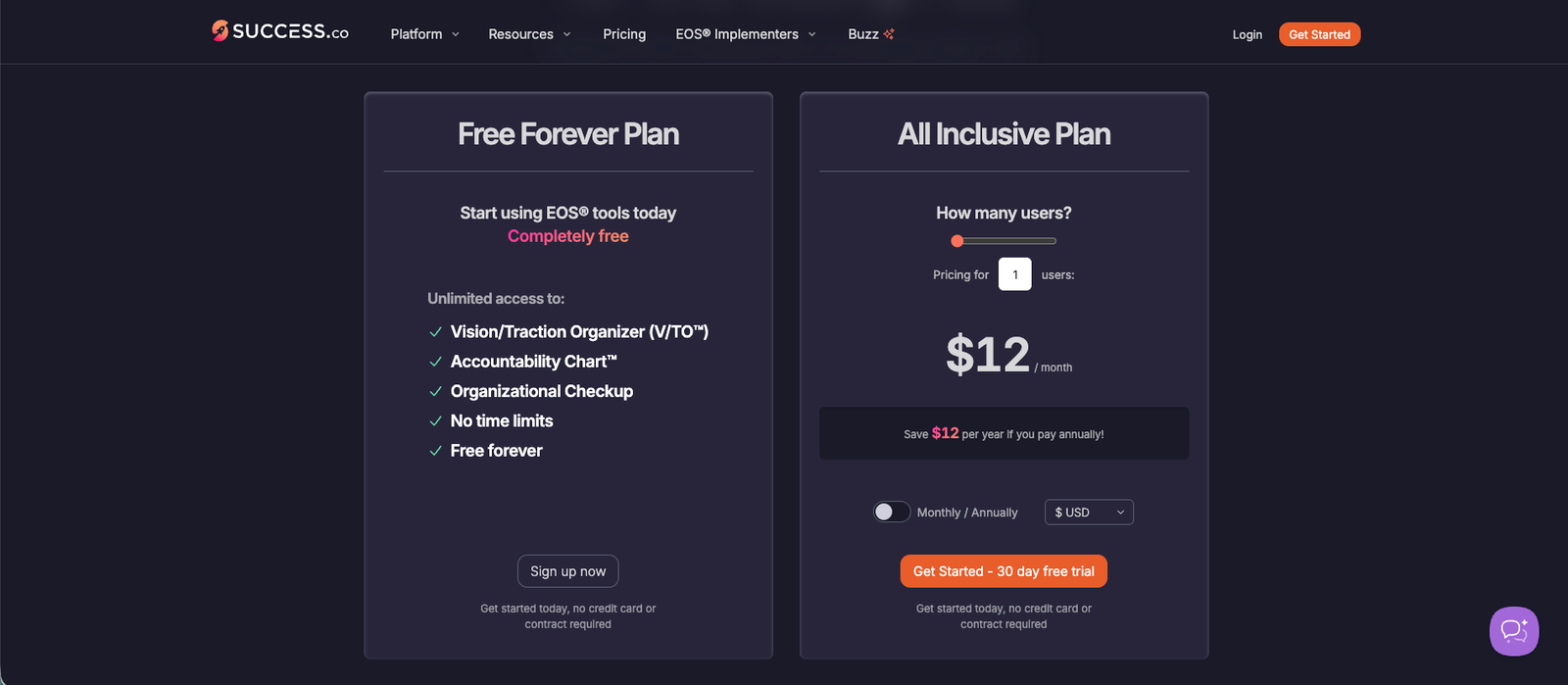
Success.co runs a two-tier model: a genuinely free plan for the core EOS® documents, and a paid "All Inclusive" plan priced per user that gets cheaper as the team grows.
Free Forever Plan
- Vision/Traction Organizer (V/TO™)
- Accountability Chart™
- Organizational Checkup
- No time limits — free forever
- No credit card required
All Inclusive Plan
- Everything in Free, plus Rocks, Scorecards, Level 10 Meetings, Issues & Headlines, AI meeting assistant
- Price shown is for 1 user; per-user cost decreases at higher tiers (up to 250 users, then custom pricing for 251–1,000+)
- Discount available when billed annually instead of monthly
- 30-day free trial, no credit card or contract required
What Success.co does
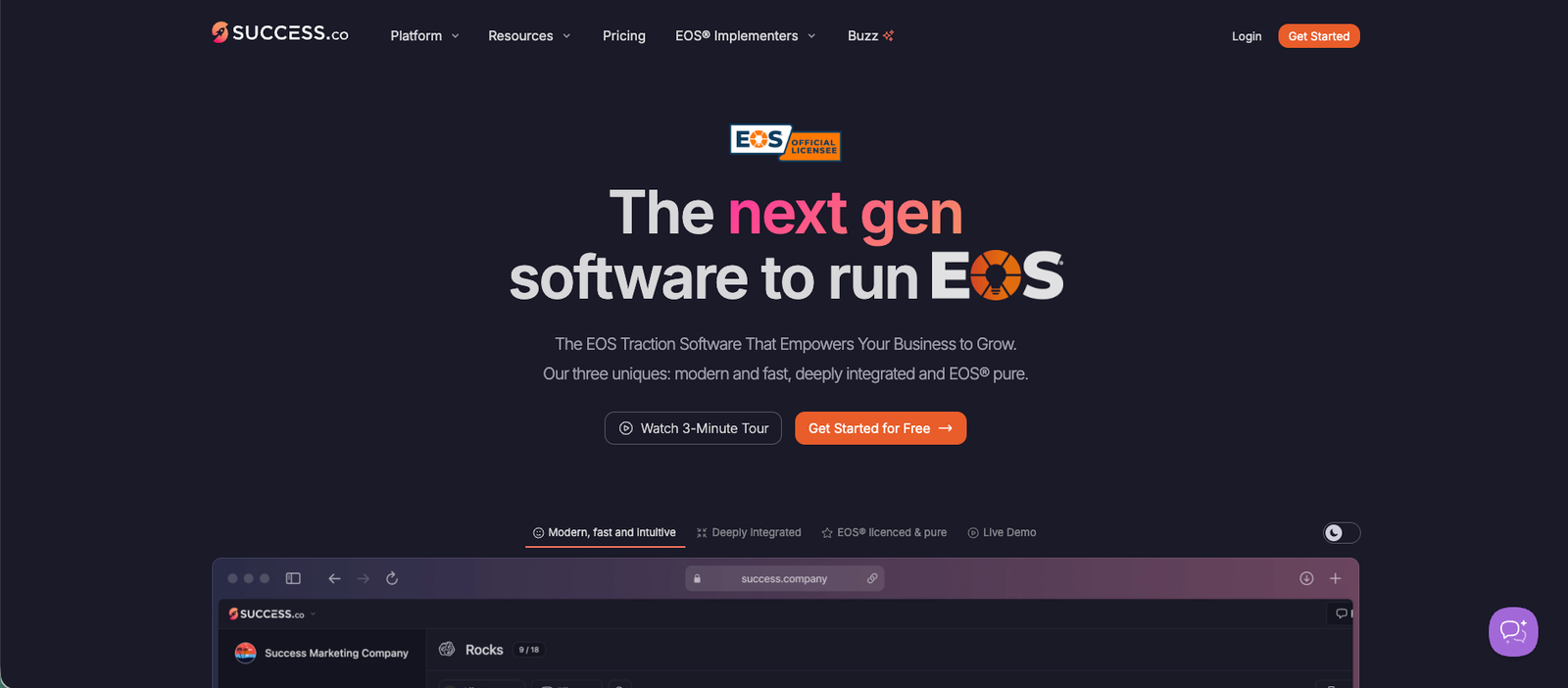
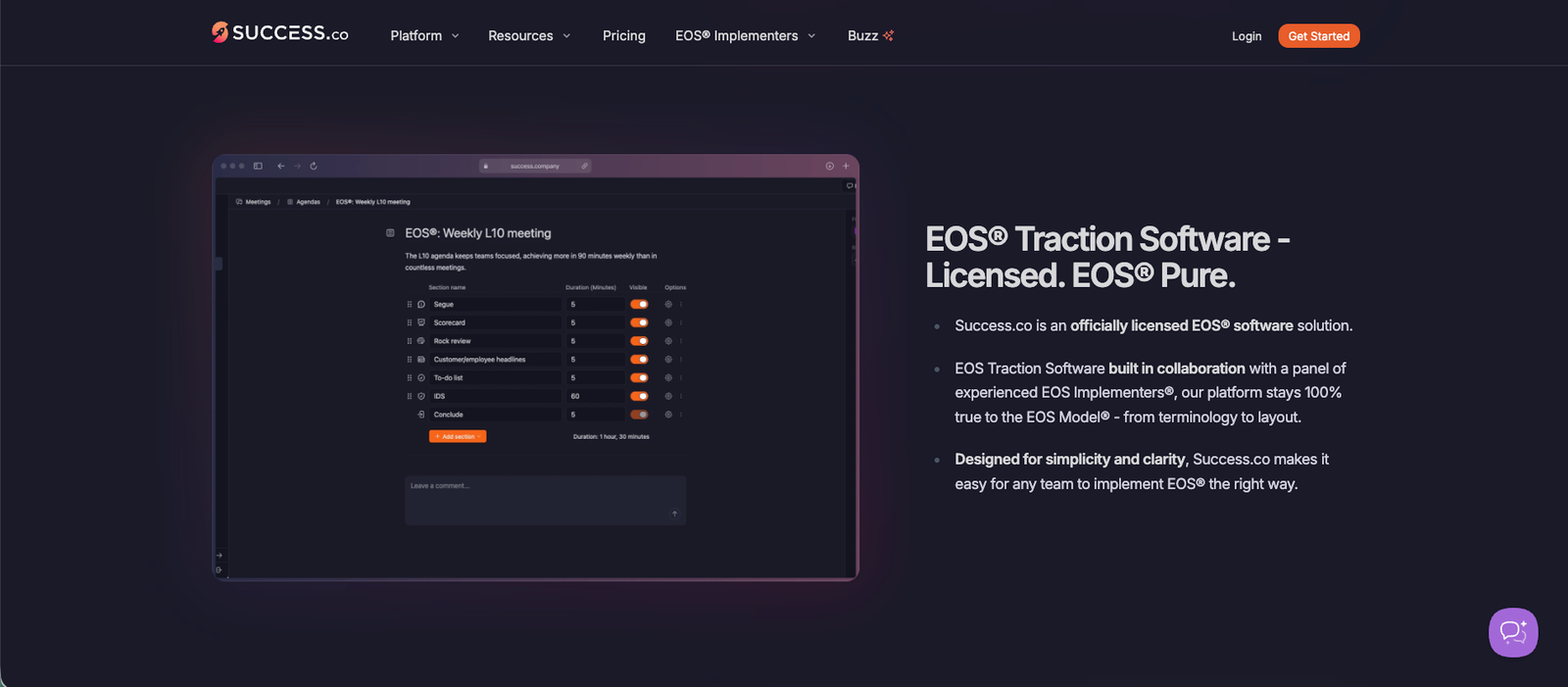
Success.co is an officially licensed EOS® ("Entrepreneurial Operating System") traction tool: it digitizes the V/TO, Accountability Chart, Rocks, Scorecards, and Level 10 Meetings that EOS runs on, and adds AI-assisted meeting summaries plus offline-capable desktop and mobile apps.
What it does well / Where it falls short
What it does well
- Stays close to standard EOS® terminology and layout, so teams already trained on EOS don't have to relearn a different mental model
- Consistently described as fast, with near-instant saves and page loads thanks to its "BlitzSync" sync layer
- Clean, low-friction interface that reviewers say needs minimal onboarding
- Support team is repeatedly praised as responsive and quick to ship requested fixes
- Free concierge migration when switching from a spreadsheet or another EOS tool
Where it falls short
- No built-in way to take real-time notes during a Level 10 Meeting — a recurring complaint from reviewers
- Some workflows feel "click-intensive," requiring more steps than reviewers expect for routine tasks
- Scorecard charts are basic — there's no deeper trend analysis or customizable visualizations
- No feature to vote on or rank top issues before discussing them in a meeting
- The AI assistant is still generic; it doesn't yet adapt well to industry-specific nuance
- Setup pitfall: it's EOS-only by design — teams expecting general project management, file storage, or OKR flexibility will need to pair it with a separate tool
What people say
What people praise
- Faithfulness to the EOS® model and terminology
- Speed of the interface and "zero load time" feel
- Responsive customer support that acts on feedback
- Having meetings, scorecards, and accountability tracking in one place
What people complain about
- No real-time meeting notes during Level 10 Meetings
- Interface can feel click-intensive for some tasks
- Basic scorecard charting with limited trend analysis
- No issue-voting/prioritization feature
When the paid plan is worth it
Stay on Free Forever if: your team only needs the Vision/Traction Organizer, Accountability Chart, and Organizational Checkup — the three documents most teams draft once and revisit quarterly.
Upgrade to All Inclusive when: you need to actually run weekly Level 10 Meetings, track Rocks and Scorecards, or use the AI meeting assistant — none of that is in the free tier. Per-user price drops in steps as headcount grows (1–25, 26–75, 76–125, 126–250, then custom pricing above 250), so the economics improve as the team scales.
Our rating
How it compares
Rather than force a side-by-side comparison table without solid sourcing on both sides, see how Success.co stacks up against other tools in the same category:
How to actually use it
- Start on the Free Forever Plan and build out your Vision/Traction Organizer and Accountability Chart first — these are the documents the rest of EOS® builds on.
- If you're moving from spreadsheets or another EOS tool, use Success.co's free concierge migration instead of re-entering everything by hand.
- Start the 30-day trial of the All Inclusive Plan when you're ready to run real Level 10 Meetings, and set up Rocks and Scorecards before your first session.
- Loop in your Certified EOS Implementer®, if you work with one — the platform was built in collaboration with EOS implementers and follows their standard terminology.
- Revisit the per-user pricing tier as headcount grows; the cost per seat drops at each threshold rather than staying flat.
Pros & cons
Pros
- Real free tier with no time limit and no credit card required
- Fast, low-load-time interface with offline support
- Stays true to official EOS® terminology and structure
- Responsive support team
- Free concierge migration from spreadsheets or competitors
Cons
- No real-time note-taking in Level 10 Meetings
- Basic scorecard charts, no issue-voting feature
- Useless outside an EOS® context — not a general PM tool
- Young company (founded 2025) with a still-small independent review base
Ready to try it?
Start free, or trial the full toolkit for 30 days — no credit card required.
Visit Success.coFAQ
Is Success.co free to use?
Yes. The Free Forever Plan includes the Vision/Traction Organizer, Accountability Chart, and Organizational Checkup at no cost, with no time limit and no credit card required. Running actual Level 10 Meetings, Rocks, and Scorecards requires the paid All Inclusive Plan, which starts at $12/user/month.
Does Success.co work if my team isn't running EOS®?
Not really. The platform is purpose-built around EOS® terminology and structure. Teams that don't run EOS® are better served by a general OKR or project management tool.
Is there a contract or minimum commitment?
No. Success.co is month-to-month with no contract, and the 30-day free trial doesn't require a credit card.
Can I migrate from Ninety.io or a spreadsheet to Success.co?
Yes. Success.co offers free concierge migration and onboarding support to help move existing EOS® data over.
Does Success.co have a mobile app?
Yes, a free companion app is available for updating Rocks and Scorecards and joining Level 10 Meetings, with offline sync back to the desktop version.
Sources
- Success.co — homepage — accessed July 15, 2026
- Success.co — Pricing — accessed July 15, 2026
- Success.co — customer testimonials ("Success Buzz") — accessed July 15, 2026
- G2 — Success.co reviews — accessed July 15, 2026
- G2 — Success.co seller profile — accessed July 15, 2026
- Dupple — Success.co review — accessed July 15, 2026
- Cllimber — Success.co EOS software assessment — accessed July 15, 2026
- Apple App Store — Success.co app listing — accessed July 15, 2026