
 vs
vs

Softr vs Glide
Softr and Glide both let non-technical teams turn business data into working applications, but they approach that job differently. Softr puts portals, granular access, multiple connected data sources and full business systems at the center, while Glide emphasizes adaptive app experiences, an integrated data layer and fast delivery across desktop and mobile.
Meet the two tools
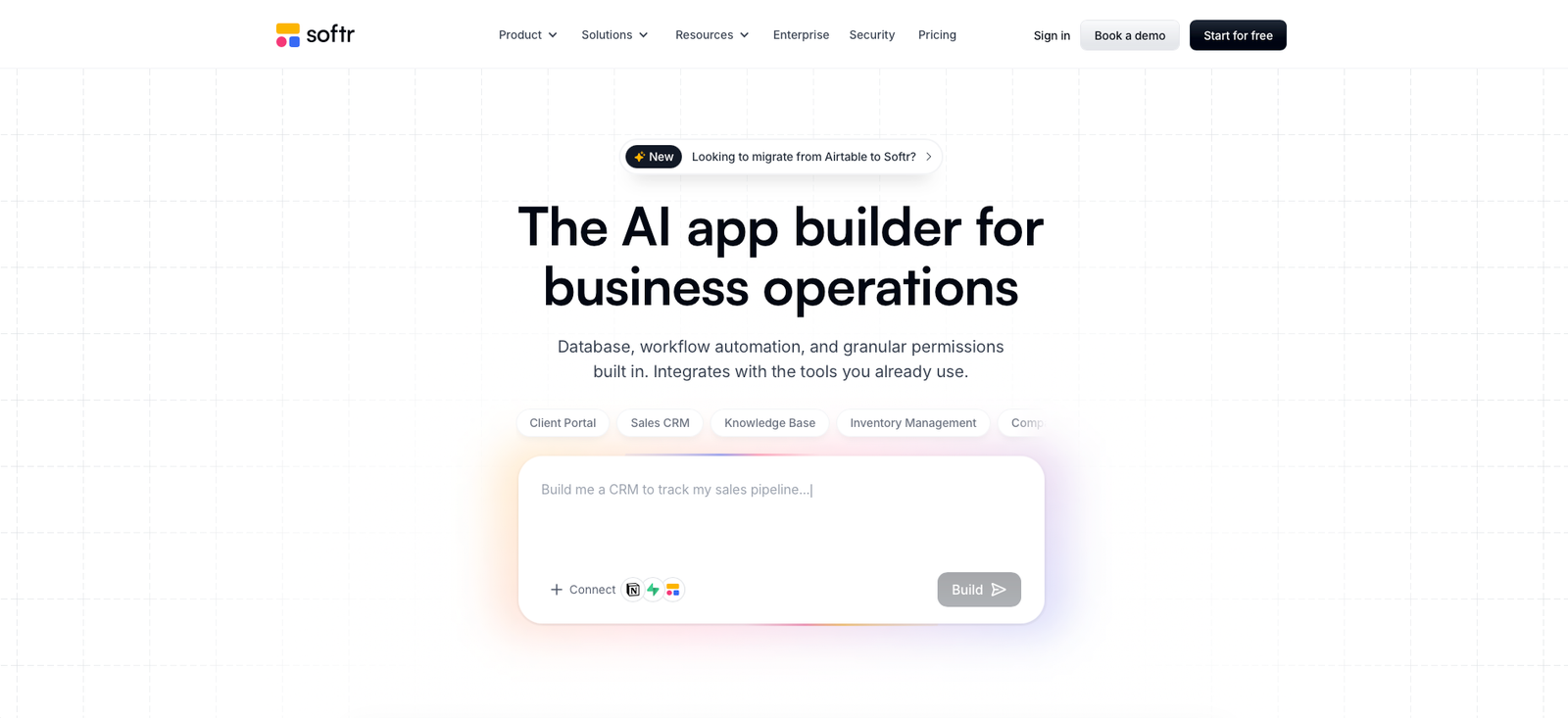
Softr homepage, 02/08/2026
Softr combines an AI-assisted app builder, native databases, forms, workflows, permissions and external data connections for internal tools, client portals, CRMs, dashboards and other operational applications.
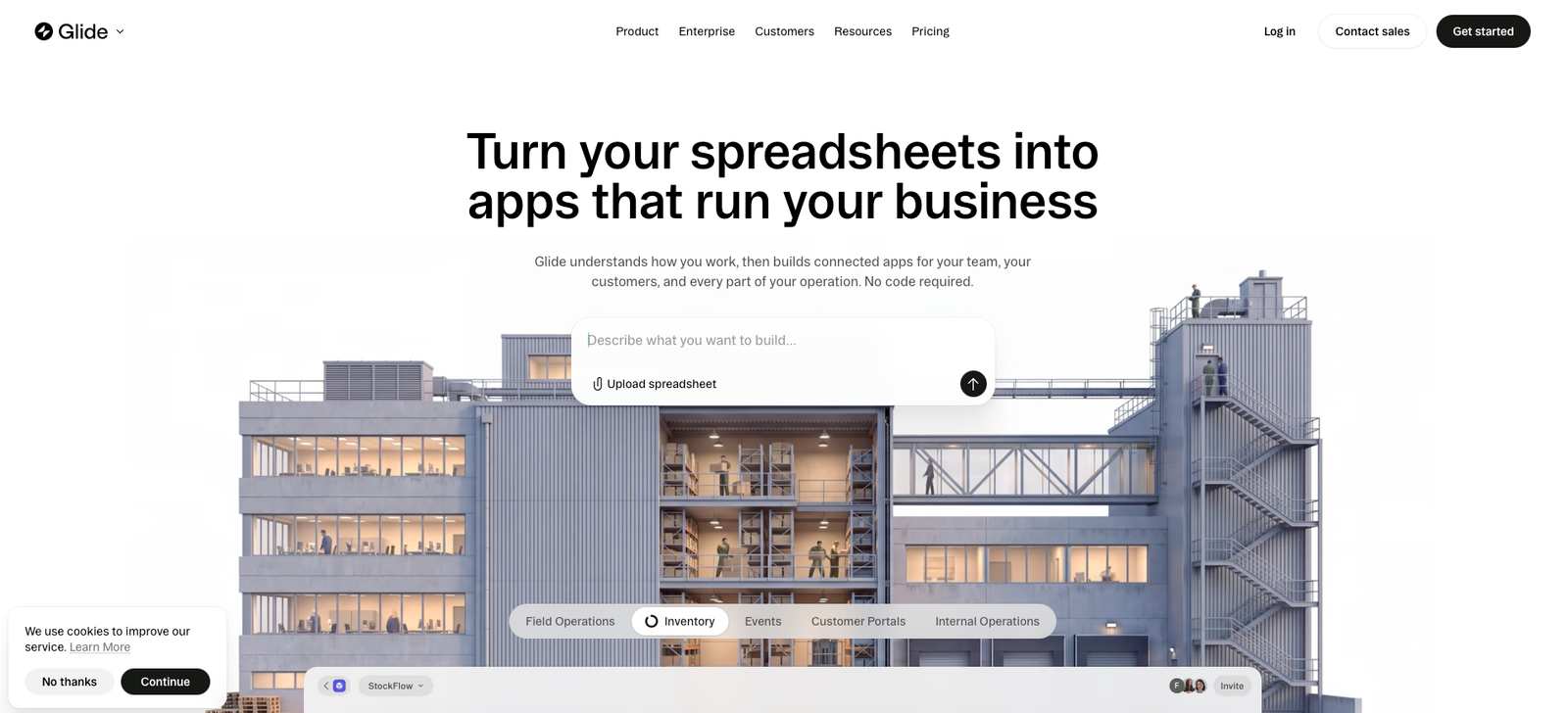
Glide homepage, 02/08/2026
Glide is a no-code application platform for building custom business software around data, workflows and AI, with responsive layouts designed to work across desktop, tablet and mobile.
At a glance
| Softr | Glide | |
|---|---|---|
| Starting price | Free; Basic from $19/mo with annual billing | Free; Basic $25/mo |
| Free plan | Yes — unlimited apps and collaborators, with limited app users, database capacity, workflows and AI credits | Yes — designed for exploring Glide, with projects but no published apps on the current in-market plan |
| Typical use | Internal tools, client and partner portals, CRMs, dashboards, operational systems and data-driven business apps | Internal tools, operational apps, field apps, portals, dashboards and responsive custom software |
| Data approach | Softr Databases plus a broad set of external business data sources | Glide data layer plus spreadsheet, database and enterprise data connections depending on plan |
| Full review | Not yet published on Alivoi | Not yet published on Alivoi |
Where they actually differ
App Building & User Experience
Both platforms are designed to reduce the amount of conventional development needed, but the building experience and application style are not identical.
Softr
Softr combines AI-assisted generation with a visual block-based editor. Teams can start from a prompt or template and then shape pages, navigation, dashboards, forms and application logic visually. Its current positioning extends beyond lightweight front ends into full business systems that combine interfaces, data, workflows and access rules.
Glide
Glide places a strong emphasis on polished adaptive interfaces that work across desktop and mobile. Its component system and data editor are closely connected, making it practical for teams that want to move from structured business data to an operational app without separately designing each screen for different devices.
Data Sources & Integrations
The data underneath an app can become the deciding constraint once a project moves beyond a simple spreadsheet.
Softr
Softr includes its own relational database and can also work on top of external business data. Its current integrations span sources such as Airtable, Google Sheets, Notion, SmartSuite, HubSpot, monday.com, ClickUp, Supabase and SQL-based systems depending on plan, allowing an app to sit on top of tools a company already uses.
Glide
Glide pairs its own data environment with external sources including spreadsheets and databases. Its product is particularly integrated around the relationship between app screens and the data editor, while premium and enterprise connections expand the available sources for teams with more complex infrastructure.
Permissions & External Users
Apps used only by employees have different access requirements from portals shared with clients, partners or vendors.
Softr
Softr puts multi-role access close to the center of its portal use cases. Higher plans expand custom user groups and granular restrictions so builders can control what different users see and edit. Its current pricing structure also distinguishes team users from client users, which matters when planning an externally facing portal.
Glide
Glide supports authenticated business applications and increases governance capabilities as plans move upward. The Pro tier introduces organization-level roles and permissions, while Enterprise adds controls such as single sign-on and enterprise-grade security for organizations that need centralized administration.
Automation & AI
Both products now extend well beyond static app screens into workflows and AI-assisted application building.
Softr
Softr combines Workflows with AI features such as its AI Co-Builder, Ask AI and database-oriented AI capabilities. Workflows can respond to form submissions, database changes and in-app actions, while AI credits are included at every plan level and can be expanded on paid plans.
Glide
Glide integrates workflows and AI directly into its newer GlideOS plans. Basic includes a limited enabled workflow, Plus expands the number of active workflows, and Pro removes that limitation while adding premium integrations and MCP capabilities for teams building broader operational systems.
Pricing & Scale
The most important pricing difference is not simply the entry price; each platform meters growth around a different combination of users, app capacity, data and usage.
Softr
Softr's current annual pricing starts at $19 per month for Basic and $99 for Professional, while Business is $329 and Enterprise is custom. The newer structure separates team and client users and includes different database, workflow and AI allowances at each level, which makes user mix an important part of cost planning.
Glide
Glide's current in-market lineup starts with Basic at $25 per month, Plus from $50 and Pro from $125, with Enterprise priced separately. Plans scale through credits, team members, projects, published apps, workflows, integrations and governance features rather than following the same user structure as Softr.
Pricing
Softr
Listed paid prices reflect annual billing in Softr's current pricing information. Basic includes 5 team plus 5 client app users, Professional includes 10 team plus 50 client users, and Business includes 30 team plus 100 client users. Allowances for database records, workflows, AI credits and integrations also increase by plan.
Glide
Glide's current Free plan is for exploring the platform and does not include a published app. Basic includes 2 published apps, Plus includes 5, and Pro includes unlimited published apps and workflows. Higher tiers also expand team size, credits, integrations, permissions and support.
Which one fits you
Choose Softr if…
- You are building client, partner or vendor portals with several user roles.
- Your application needs to sit on top of business data already stored across tools such as Airtable, HubSpot, Notion, monday.com or SQL systems.
- You want databases, interfaces, forms, workflows and permissions managed in one no-code environment.
- You need to distinguish internal team access from larger groups of external client users when planning costs.
Choose Glide if…
- You prioritize responsive operational apps that need to feel natural across desktop and mobile.
- You want the app builder and data editor to work closely together inside the same workflow.
- Your use case centers on internal tools, field applications, dashboards or business processes.
- You want pricing to scale through published apps, team members, workflows and platform credits rather than Softr's team-and-client-user structure.
What people say
Softr
G2 reviewers frequently point to Softr's accessibility for non-technical builders, quick deployment, integrations and responsive customer support. Reviews also show that teams use it for increasingly customized internal systems rather than only basic websites or portals.
Glide
Glide reviewers commonly highlight fast app creation, usability and the ability to turn business processes into working applications without conventional development. More advanced projects can require closer attention to data structure, permissions and platform limits as complexity grows.
FAQ
What is the main difference between Softr and Glide?
Softr emphasizes full business systems, portals, external users, granular permissions and connections to existing business data. Glide emphasizes responsive business applications, a closely integrated data editor and app experience, and operational use cases across desktop and mobile.
Do Softr and Glide both have free plans?
Yes. Softr's Free plan can be used for building applications with limited users and usage allowances. Glide also has a Free tier for exploring the platform, although its current Free plan does not include published apps.
How much does Softr cost?
Softr currently lists Free at $0, Basic at $19 per month, Professional at $99 per month and Business at $329 per month when billed annually. Enterprise pricing is custom. User, database, workflow, integration and AI allowances differ by plan.
How much does Glide cost?
Glide's current in-market plans are Free at $0, Basic at $25 per month, Plus starting at $50 per month and Pro starting at $125 per month. Enterprise uses custom pricing.
Can both Softr and Glide build internal tools and portals?
Yes. Both platforms support internal tools, portals, dashboards and data-driven business applications. Their trade-offs become more visible around external-user access, data architecture, interface behavior, workflow requirements and how the application is expected to scale.
Sources
- Softr — official homepage, softr.io, accessed 02/08/2026
- Softr — official pricing, softr.io/pricing, accessed 02/08/2026
- Softr — current pricing guidance and product materials, softr.io, accessed 02/08/2026
- Softr — Softr vs Glide comparison, softr.io, accessed 02/08/2026
- Glide — official homepage, glideapps.com, accessed 02/08/2026
- Glide — official pricing, glideapps.com/pricing, accessed 02/08/2026
- Glide — current in-market plan update, glideapps.com, accessed 02/08/2026
- Glide — Softr vs Glide comparison, glideapps.com, accessed 02/08/2026
- G2 — Softr user reviews, g2.com, accessed 02/08/2026
- G2 — Glide user reviews, g2.com, accessed 02/08/2026