

monday.com vs ClickUp
monday.com builds a colorful, easy-to-adopt Work OS around per-seat pricing with a 3-seat minimum on paid plans, while ClickUp bundles tasks, docs, chat, and optional AI add-ons into one highly configurable platform with a free plan that scales to unlimited members — the right fit depends on how much setup time you're willing to trade for either simplicity or customization.
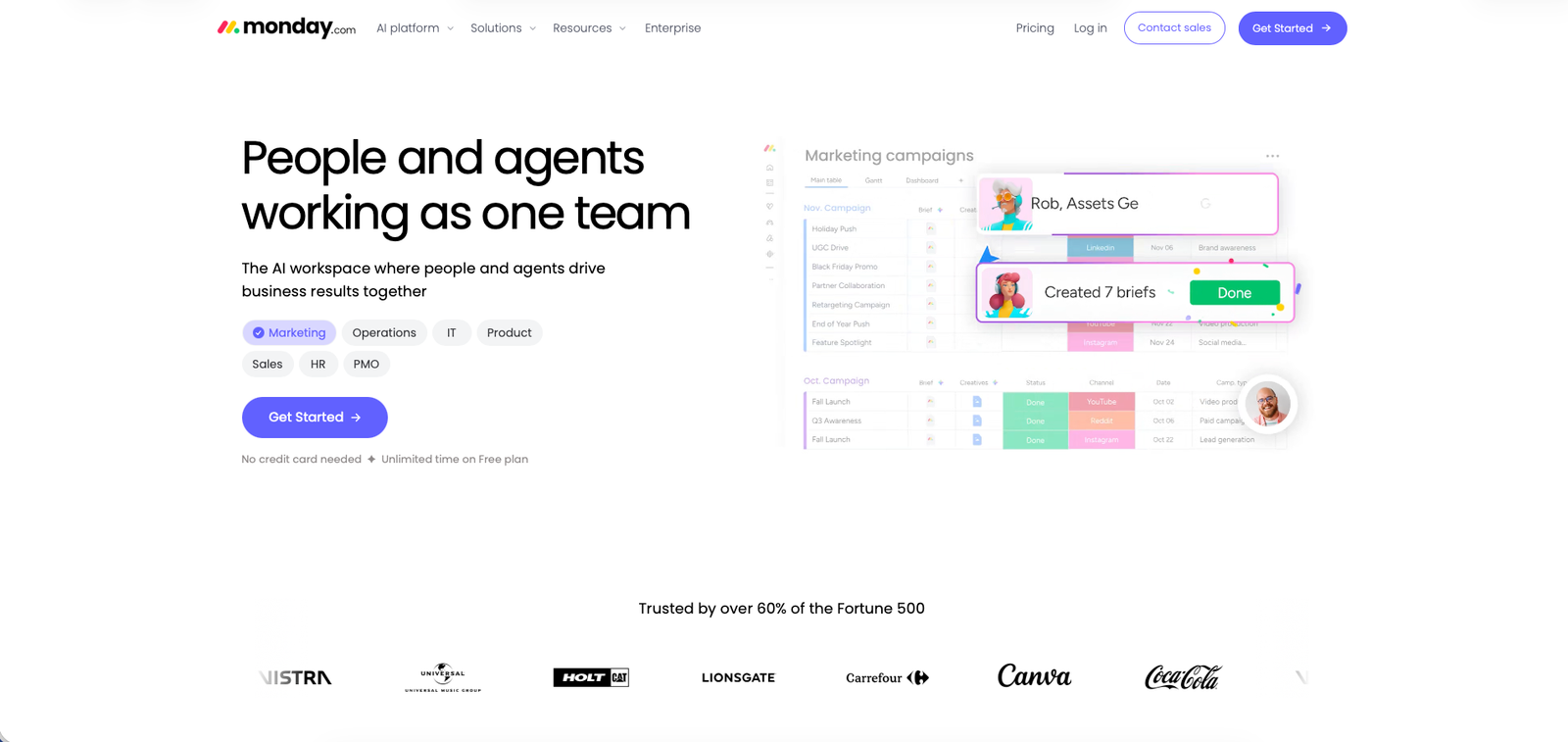
monday.com homepage, Jul 2026
monday.com is a visual Work OS built around colorful, customizable boards, letting teams plan projects, automate workflows, and track work without needing a dedicated administrator to set it up.
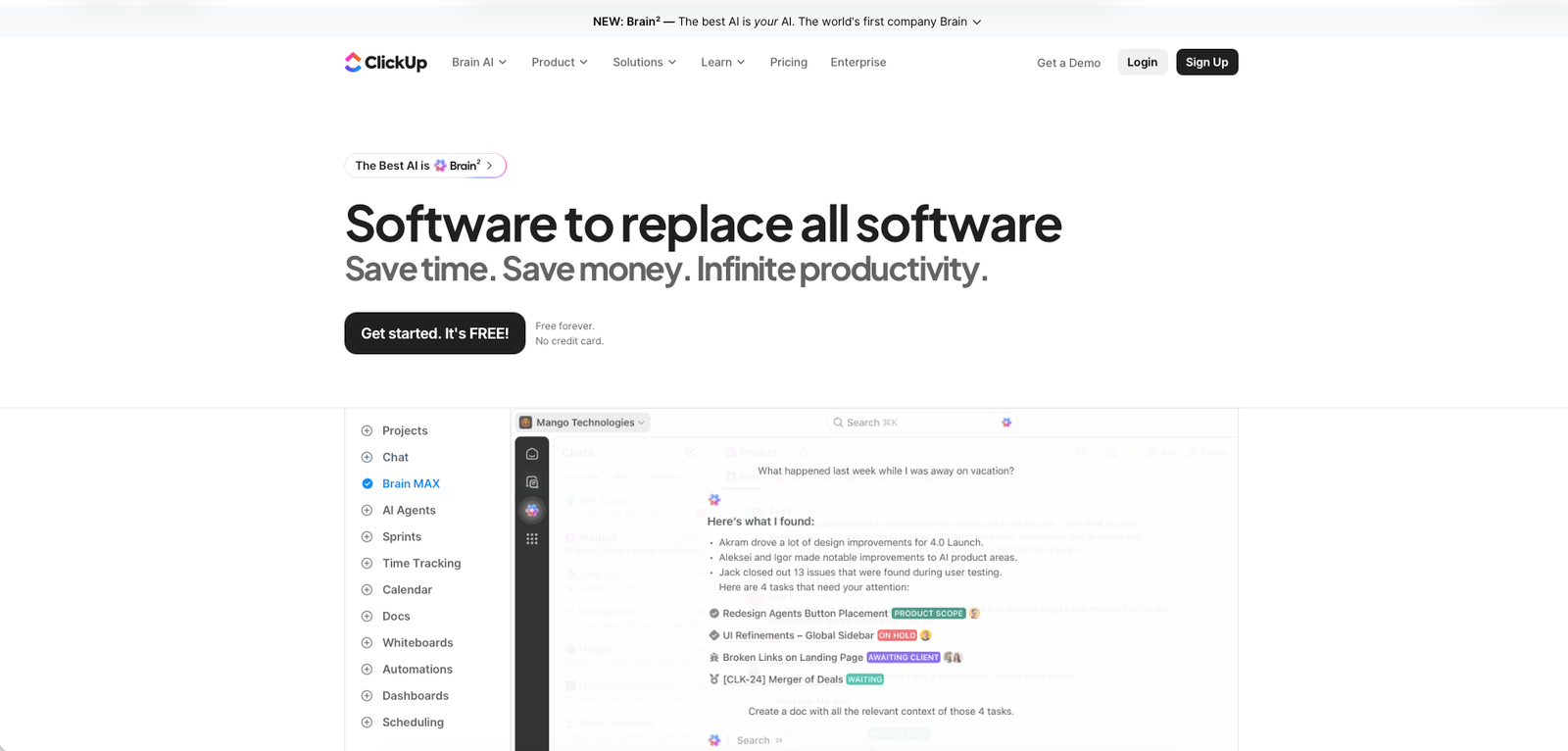
ClickUp homepage, Jul 2026
ClickUp is an all-in-one productivity platform combining tasks, docs, chat, whiteboards, and goals in a single highly configurable workspace, built for teams who want to consolidate several tools into one.
At a glance
| monday.com | ClickUp | |
|---|---|---|
| Starting price | $9/seat/mo (Basic plan, billed yearly, 3-seat minimum) | $7/member/mo (Unlimited plan, billed yearly) |
| Free plan | Yes — capped at 2 seats | Yes — Free Forever, unlimited members with feature/storage caps |
| Best for | Teams wanting a colorful, visual Work OS the whole team can adopt in a day | Teams wanting to consolidate tasks, docs, chat, and whiteboards into one highly customizable platform |
| Full review | Read our full review — rated 3.6/5 | Not yet published on Alivoi |
Where they actually differ
Pricing Structure
Both charge per person, but the minimums and add-ons work differently.
monday.com
Per-seat pricing across Free, Basic ($9/seat/mo), Standard ($12/seat/mo), and Pro ($19/seat/mo), with most paid plans requiring a 3-seat minimum — so a small team's real bill can exceed the sticker seat price.
ClickUp
Per-member pricing across Free Forever, Unlimited ($7/member/mo billed yearly), and Business ($12/member/mo billed yearly), with no published seat minimum, plus optional AI add-ons (Brain $9/user/mo, or the Everything bundle at $28/user/mo) billed separately from the core plan.
Free Plan Limits
The free tiers are shaped around different constraints.
monday.com
The Free plan caps out at 2 seats, which works for a single user testing the platform but not for a small team that wants to collaborate without paying.
ClickUp
Free Forever supports unlimited members and unlimited tasks, with the caps instead applied to storage and certain premium features like advanced automations and Brain AI.
Ease of Use vs. Customization Depth
The most consistently cited split between the two across independent reviews.
monday.com
Reviewers consistently describe the colorful board interface as approachable, with most teams up and running on a template within a day.
ClickUp
Reviewers frequently note a steeper learning curve given the sheer number of views, fields, and configuration options, but reward that investment with deeper customization once set up.
AI Feature Approach
Both offer AI features, priced and packaged differently.
monday.com
AI features are bundled as a pool of monthly AI credits included with paid plans, usable across features like AI-generated subitems, summaries, and formulas.
ClickUp
AI (Brain) is priced as a separate add-on on top of any plan — $9/user/mo for Brain alone, or $28/user/mo for the "Everything" bundle that also includes unlimited automations — rather than being folded into the base tiers.
Pricing
monday.com
Prices shown are per seat/month on the Work Management product, billed annually; monthly billing costs more per seat. Most paid plans require a minimum of 3 seats. monday.com also sells separate CRM, Dev, and Service products priced independently of Work Management.
ClickUp
Prices shown are per member/month billed annually; monthly billing is $10 (Unlimited) and $19 (Business). AI is a separate add-on: Brain AI at $9/user/mo, or the Everything AI bundle at $28/user/mo.
Which one fits you
Choose monday.com if…
- You want a colorful, visual board interface your whole team can pick up in a day
- You're fine with per-seat pricing and a 3-seat minimum on paid plans
- You want AI features included as bundled monthly credits rather than a separate purchase
- You want to reference an existing published Alivoi review before deciding
Choose ClickUp if…
- You want to consolidate tasks, docs, chat, and whiteboards into a single platform
- You want a free plan that supports unlimited members while your team evaluates it
- You're comfortable investing setup time to unlock deeper customization
- You'd rather pay for AI only if and when you need it, as a separate add-on
What people say
monday.com
G2: 4.7/5 (17,196 reviews)
Reviewers frequently praise the visual board interface and ease of onboarding, alongside recurring notes about costs adding up as teams add seats and premium features.
ClickUp
G2: 4.6/5 (14,140 reviews)
Reviewers highlight the platform's breadth and customization depth, alongside a recurring learning-curve complaint from teams new to its number of views and settings.
Ratings and review counts accessed Jul 24, 2026 via G2.
FAQ
Is monday.com or ClickUp easier for beginners?
monday.com's colorful, template-driven boards are generally considered easier to pick up, with most teams productive within a day. ClickUp offers more views and configuration options, which take longer to learn but unlock deeper customization once set up.
Which is cheaper for a small team?
ClickUp's Free Forever plan supports unlimited members, making it usable by a small team at no cost. monday.com's Free plan caps out at 2 seats, and its paid plans typically require a minimum of 3 seats, so a small team can end up paying for seats it isn't using on either the free or paid tier.
Do I have to pay extra for AI features?
On monday.com, AI features are included as a pool of monthly credits bundled into paid plans. On ClickUp, AI (Brain) is a separate add-on priced at $9/user/month, or $28/user/month for the "Everything" bundle that also includes unlimited automations.
Which one is more customizable?
ClickUp is generally considered the more customizable of the two, offering more view types, custom fields, and configuration options, though that flexibility comes with a steeper learning curve. monday.com favors a simpler, more opinionated board structure that's faster to configure but offers fewer structural options.
Is there a published Alivoi review for either tool?
Yes — see our full monday.com review (rated 3.6/5) linked above. We haven't published a standalone ClickUp review yet.
Sources
- monday.com — official homepage, monday.com, accessed Jul 24, 2026
- monday.com — official pricing page, monday.com/pricing, accessed Jul 24, 2026
- ClickUp — official homepage, clickup.com, accessed Jul 24, 2026
- ClickUp — official pricing page, clickup.com/pricing, accessed Jul 24, 2026
- ZenPilot — "ClickUp vs monday.com," zenpilot.com, accessed Jul 24, 2026
- Zapier — "ClickUp vs. monday.com," zapier.com, accessed Jul 24, 2026
- Plaky — "ClickUp vs monday.com," plaky.com, accessed Jul 24, 2026
- G2 — monday.com reviews, g2.com, accessed Jul 24, 2026
- G2 — ClickUp reviews, g2.com, accessed Jul 24, 2026
- Alivoi — monday.com review, alivoi.com/monday-com, accessed Jul 24, 2026