
monday.com Review: Is This Work Platform Worth the Per-Seat Price?
Best for
- Teams of 3+ that want highly visual, customizable boards instead of forcing their process into a rigid template
- Marketing, ops, and PMO teams that lean heavily on no-code automation and cross-department templates
- Organizations that may eventually want CRM, service-desk, or dev/sprint tooling on the same underlying platform
- Solo users or 1-2 person teams who just need free boards and docs to start
Who should skip it
- Very small or budget-sensitive teams — every paid plan requires a minimum of 3 seats, so cost jumps in a step rather than growing gradually
- Teams that need time tracking, advanced automations, or private boards on a budget — those sit behind the higher-priced Pro tier
- Anyone who weighs customer support quality heavily — sentiment is unusually split between review platforms
- Teams wanting deep traditional Gantt/critical-path scheduling rather than flexible boards
Quick facts
Pricing, verified
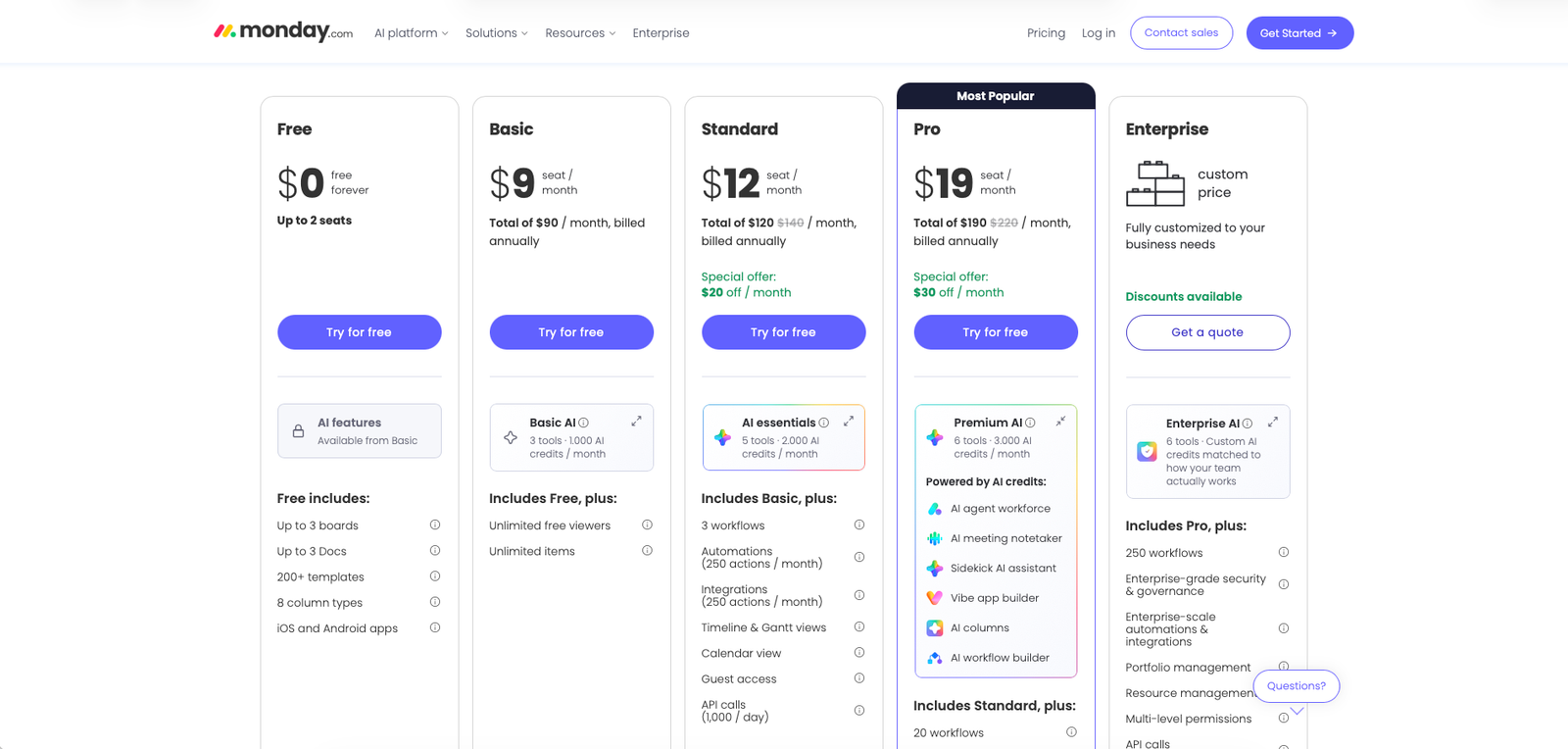
monday.com's core Work Management product runs five tiers, priced per seat with a 3-seat minimum on every paid plan. Headline prices reflect annual billing — monday's own FAQ confirms monthly billing carries no discount at all.
Free
- Up to 2 seats
- Up to 3 boards, 3 docs
- 200+ templates, 8 column types
- Mobile apps included
Basic
- 1,000 AI credits/month
- Unlimited free viewers & items
- AI Sidekick, Vibe app builder
Standard
- 2,000 AI credits/month
- 3 workflows, 250 automations/mo
- Timeline/Gantt/calendar views, guest access
Pro
- 3,000 AI credits/month
- 20 workflows, 25,000 automations/mo
- Time tracking, private boards/docs
Enterprise
- 250 workflows, 250K automations/mo
- Portfolio/resource management
- 24/7 support, 99.9% uptime SLA
What monday.com does
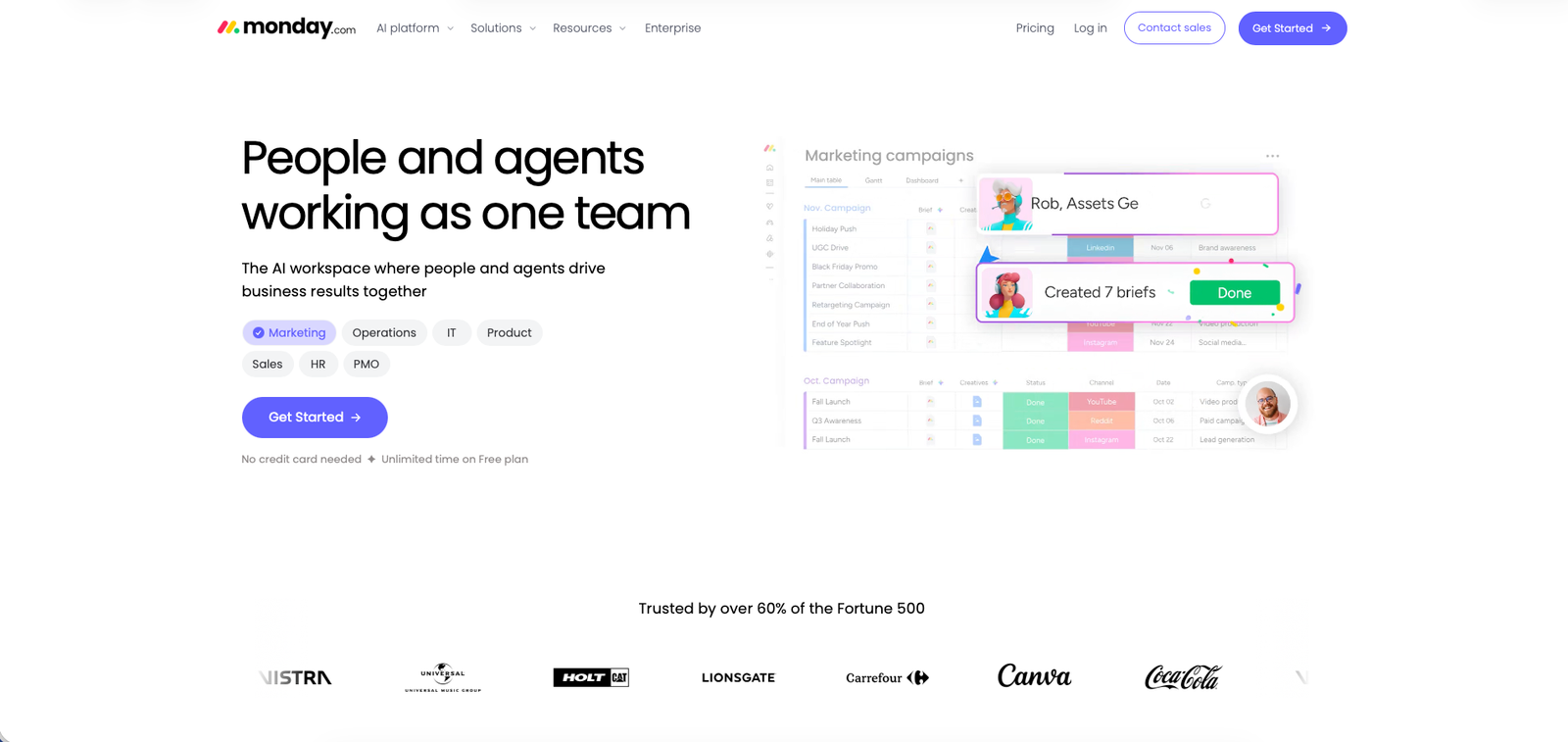
monday.com is a highly visual, customizable work management platform built around drag-and-drop boards, no-code automations, and real-time dashboards — with separate CRM, Service, and Dev products layered on the same underlying platform for teams that need those specific workflows.
What it does well / Where it falls short
What it does well
- A highly visual, drag-and-drop interface consistently rated intuitive with a short onboarding time
- Deep customization — boards adapt to a team's existing process, backed by 200+ templates across departments
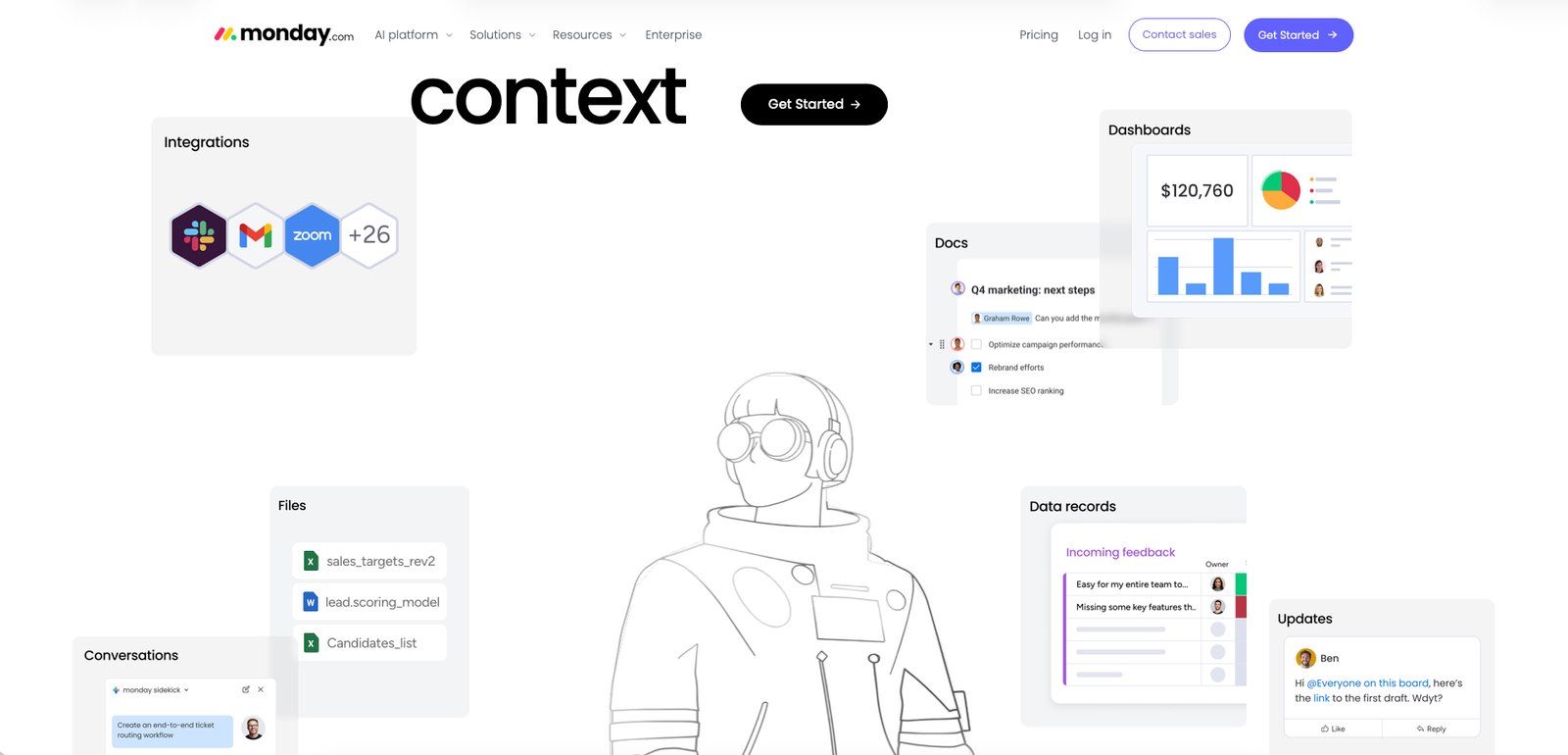
- Strong no-code automation and a large library of 200+ third-party integrations
- Real-time dashboards that give teams a single source of truth instead of scattered spreadsheets and email
- A genuinely free tier for solo users, plus a 14-day trial of Pro to test the top tier before paying
Where it falls short
- Per-seat pricing with a 3-seat minimum on every paid plan means smaller or fluctuating teams can end up paying for unused seats
- Commonly-needed features like time tracking and advanced automations sit behind the higher-priced Pro tier, so the entry price understates what many teams actually pay
- A steep learning curve for advanced features — complex automations, formulas, and cross-board dependencies take real time to master
- AI features are a newer, still-maturing layer — several reviews describe them as underdeveloped, occasionally intrusive, and metered by paid AI credits on top of the seat price
- Setup pitfall: monthly billing carries no discount at all (18% savings is annual-only, paid upfront for the year), and past the 30-day refund window, cancellations and downgrades aren't refunded — model the full annual cost, not just the per-seat monthly number
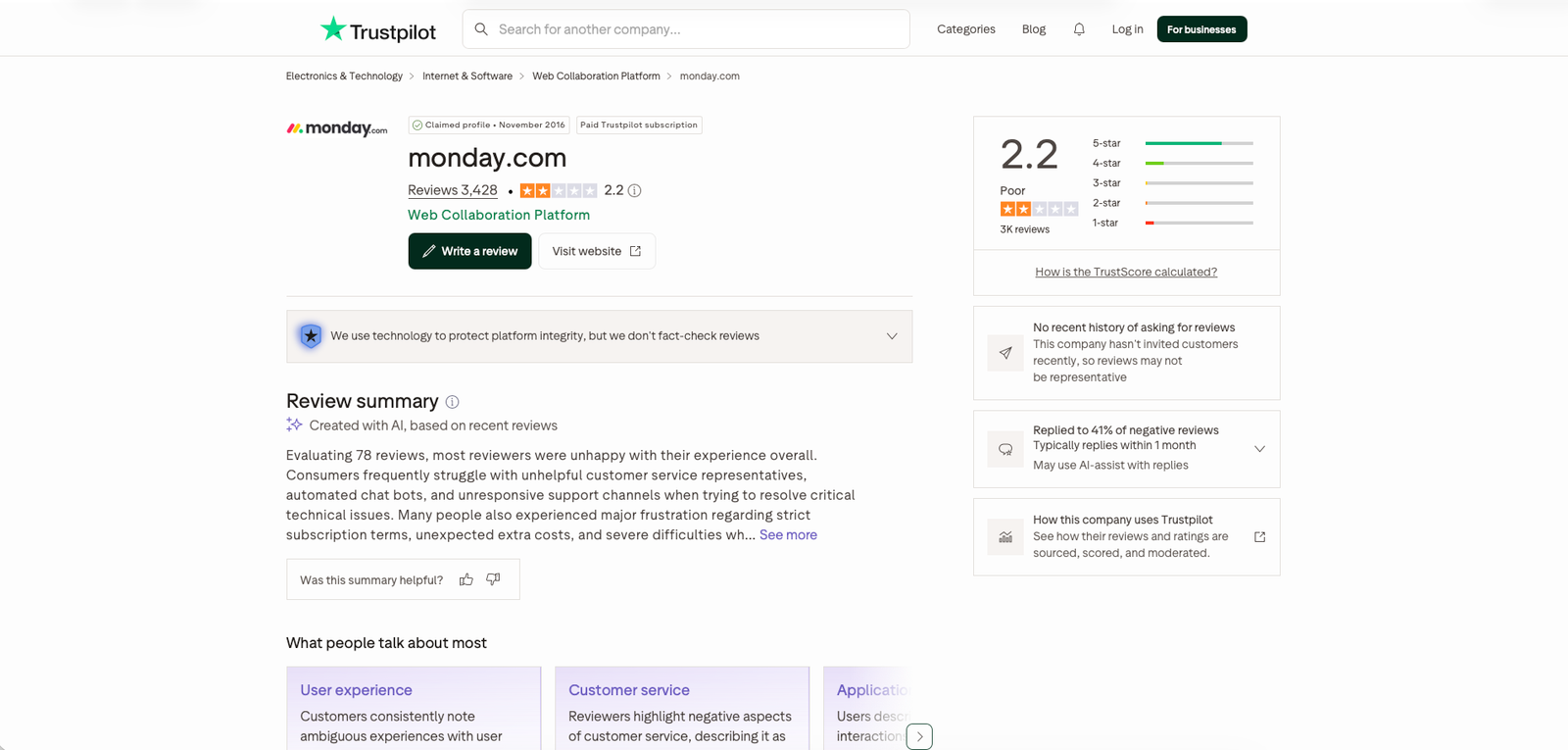
- Support sentiment is sharply split: praised as responsive in some independent reviews, while Trustpilot's much lower score is dominated by complaints about slow, unhelpful support and difficulty cancelling
What people say
What people praise
- An intuitive interface that requires minimal training to get started
- Team collaboration — a single source of truth instead of scattered spreadsheets and email
- Automation that eliminates repetitive manual work
- Flexible customization that adapts to existing team processes
What people complain about
- Missing or limited features on lower-tier plans
- A steep learning curve for complex automations, formulas, and integrations
- Cost that climbs as teams grow, with AI features gated to higher tiers
- AI features that feel underdeveloped compared to the core platform
When the paid plan is worth it
Stay on Free if: you're a solo user or 1-2 person team that just needs basic boards, docs, and templates.
Upgrade to Basic ($9/seat/mo, annual) when: you need unlimited items/viewers and the basic AI Sidekick tools, and can meet the 3-seat minimum.
Upgrade to Standard ($12/seat/mo, annual) when: you need timeline/Gantt/calendar views, guest access, and more automations per month.
Upgrade to Pro ($19/seat/mo, annual — Most Popular) when: you need time tracking, private boards/docs, and much higher automation and AI-credit limits.
Upgrade to Enterprise (custom) when: you need portfolio/resource management, 24/7 support, and an uptime SLA.
Our rating
How it compares
At least one independent reviewer sets monday.com directly against ClickUp on customization depth. Here's what's actually verified versus what's third-party commentary:
| monday.com | ClickUp (as reported by reviewers) | |
|---|---|---|
| Best for | Teams wanting a highly visual, easy-to-onboard work platform with strong automation | Teams wanting deeper customization depth, per reviewer commentary |
| Entry pricing | Free tier (2 seats); paid plans from $9/seat/mo (annual), 3-seat minimum | Reported by reviewers as more feature-flexible at a comparable price point — not independently verified here |
| Customization depth | Deep, but one independent review specifically notes less customization depth than ClickUp | Reported by reviewers as more customizable — not independently verified here |
How to actually use it
- Start on the Free plan (up to 2 seats) to test boards, docs, and templates before paying anything.
- Map your actual headcount against the 3-seat minimum before choosing a paid tier — going from 2 to 3 people is a real cost jump, not a gradual one.
- If you need time tracking, advanced automations, or private boards, budget for Pro rather than Basic or Standard — those features sit behind the top tier.
- Use the 14-day Pro trial to test real automation and AI-credit usage against your workflow before committing to annual billing.
- If billing annually, do it within the first 30 days if you're unsure — that's the only window with a partial refund.
- If you eventually need CRM, service-desk, or dev/sprint tooling, evaluate monday's dedicated CRM/Service/Dev products rather than forcing those workflows into work-management boards.
Pros & cons
Pros
- Genuinely free entry tier for solo users
- Highly visual, customizable boards with a short learning curve for the basics
- Strong no-code automation plus 200+ integrations
- Real-time dashboards and a single source of truth
- Separate CRM, Service, and Dev products on the same platform
Cons
- 3-seat minimum plus per-seat pricing adds up quickly
- Key features like time tracking gated behind higher tiers
- Steep learning curve for advanced automation and formulas
- AI features still maturing and metered separately
- Sharply split support sentiment between G2 and Trustpilot
Ready to try it?
Start free with up to 2 seats, or trial Pro for 14 days to test automations and AI credits against your real workflow.
Visit monday.comFAQ
Is monday.com free to use?
Yes, for up to 2 seats, with basic boards, docs, and templates. Most collaboration and automation features require a paid plan starting at $9/seat/month, billed annually.
How much does monday.com cost for a small team?
Paid plans require a minimum of 3 seats. Basic starts at $9/seat/month billed annually, so a 3-seat team starts around $27/month. Some older third-party reviews cite higher figures, which appear to reflect outdated pricing or a different monday product line.
Does monthly billing get a discount?
No. Only annual billing is discounted (18% savings); monthly billing is charged at the full rate.
Can I get a refund if I cancel?
Only a partial refund on an annual plan cancelled within the first 30 days. There's no refund after that window or on plan downgrades.
Does monday.com offer CRM or dev tools too?
Yes. monday CRM, monday Service, and monday Dev are separate products with their own pricing, built on the same underlying platform as monday work management, which is the focus of this review.
Sources
- monday.com — homepage — accessed July 23, 2026
- monday.com — Pricing — accessed July 23, 2026
- G2 — monday.com reviews — accessed July 23, 2026
- Trustpilot — monday.com reviews — accessed July 23, 2026
- The Digital Project Manager — monday.com review — accessed July 23, 2026
- Project-Management.com — monday.com review — accessed July 23, 2026
- SmartSuite — monday.com review — accessed July 23, 2026
- tldv — monday.com review — accessed July 23, 2026
- The Business Dive — monday.com review — accessed July 23, 2026